Scheduling & routes
Plan the week in minutes, not in a group chat.
The Scheduler shows who is doing what and who is overloaded. Routes send a crew to several stops in order. Everything reaches the phone.
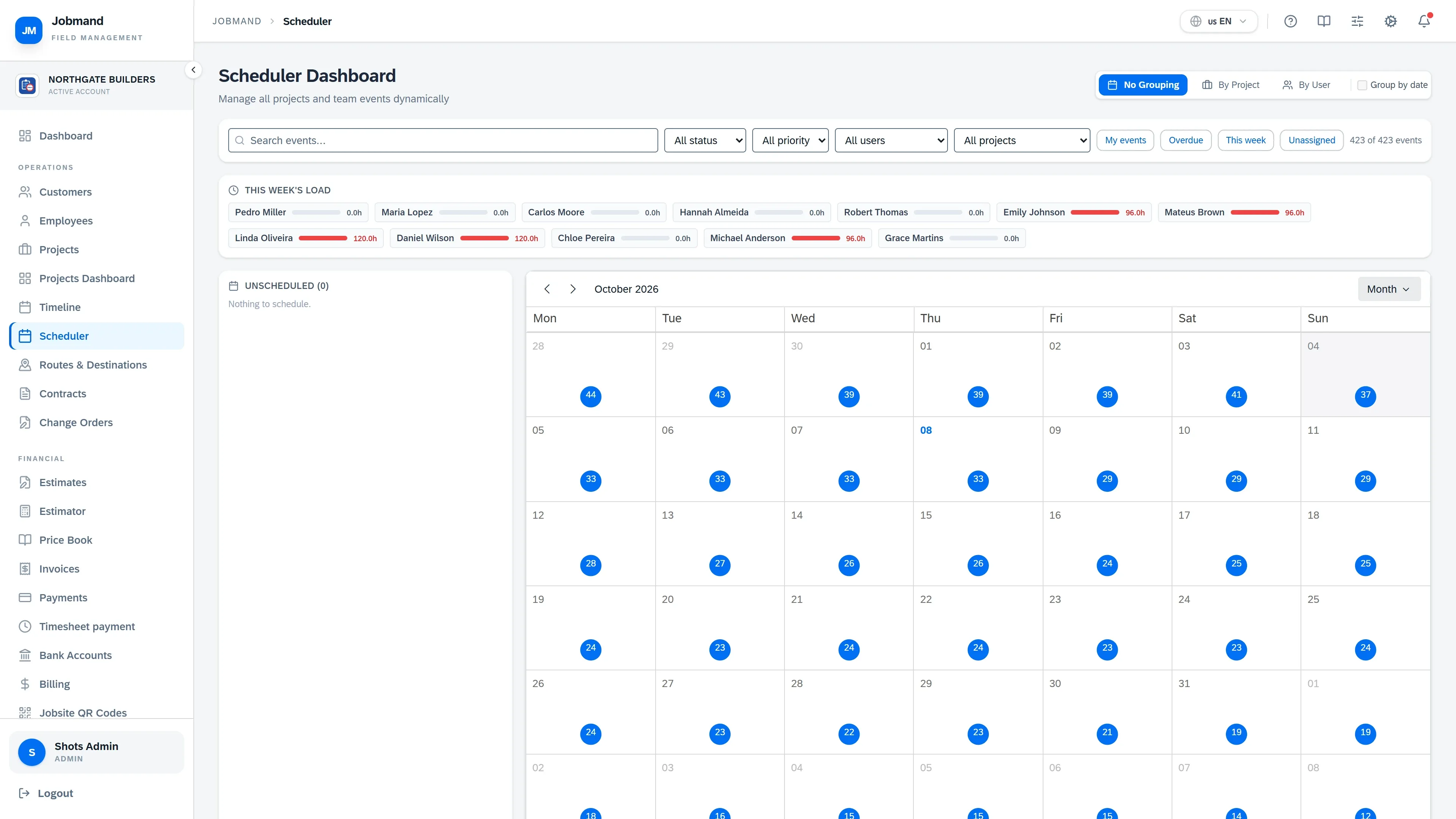
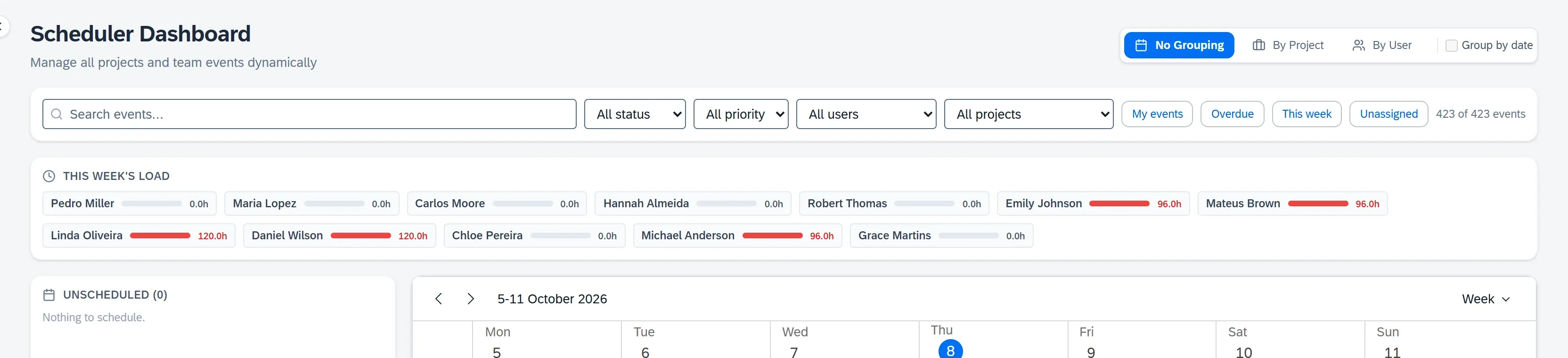
Drag work between people and days
Group the calendar by project or by person, filter to what matters, and move or resize work with the mouse.
- Day, week, work week, month, timeline and agenda views
- Weekly hours per person, red when over 40
- Conflicting assignments outlined
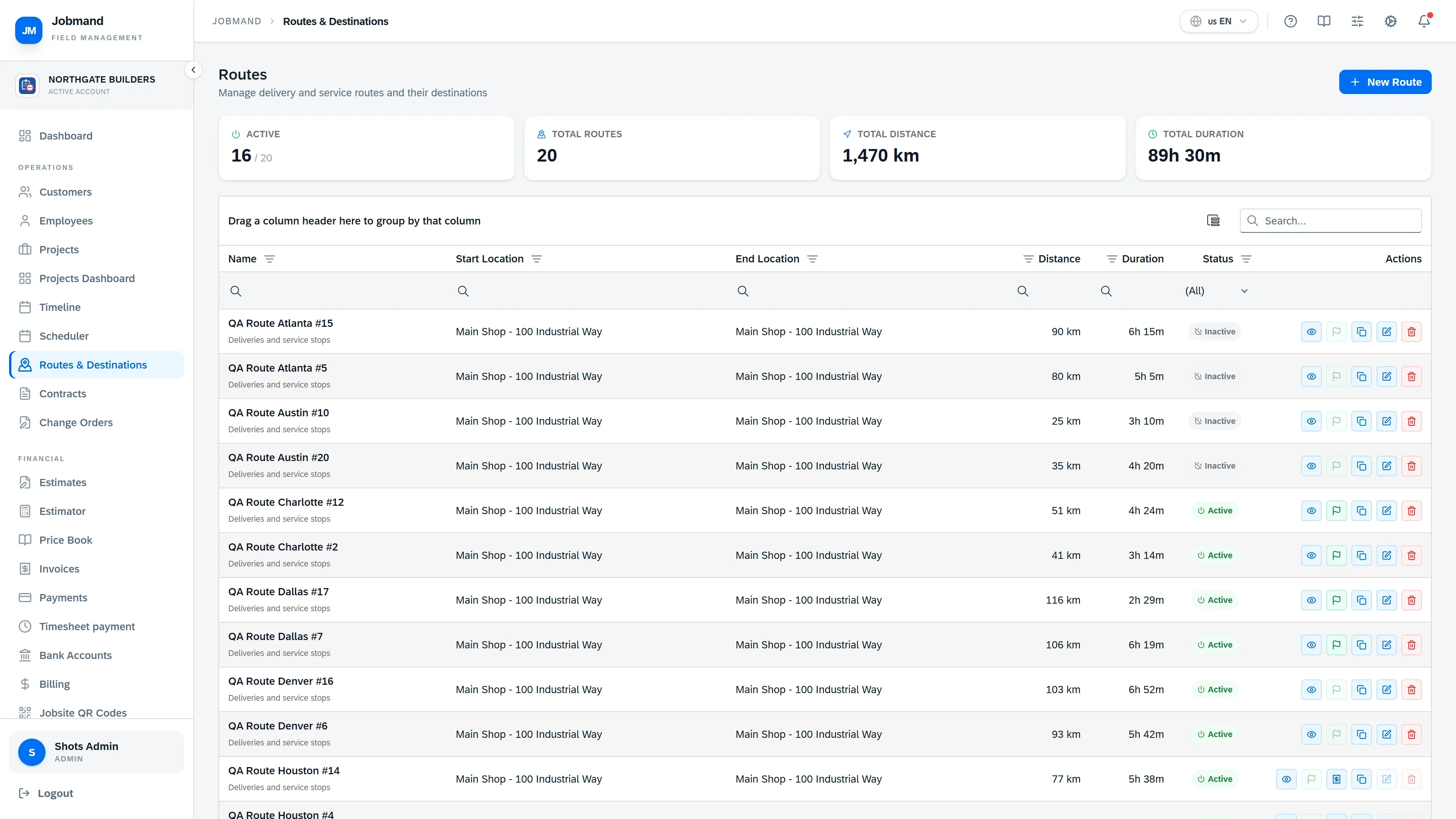
Routes with stops in the right order
Build a service round with its destinations, let Jobmand suggest the best order, dispatch it, and close it when the crew is done.
- Suggest best order for the stops
- Dispatch → start → complete
- Copy a route to repeat a weekly round
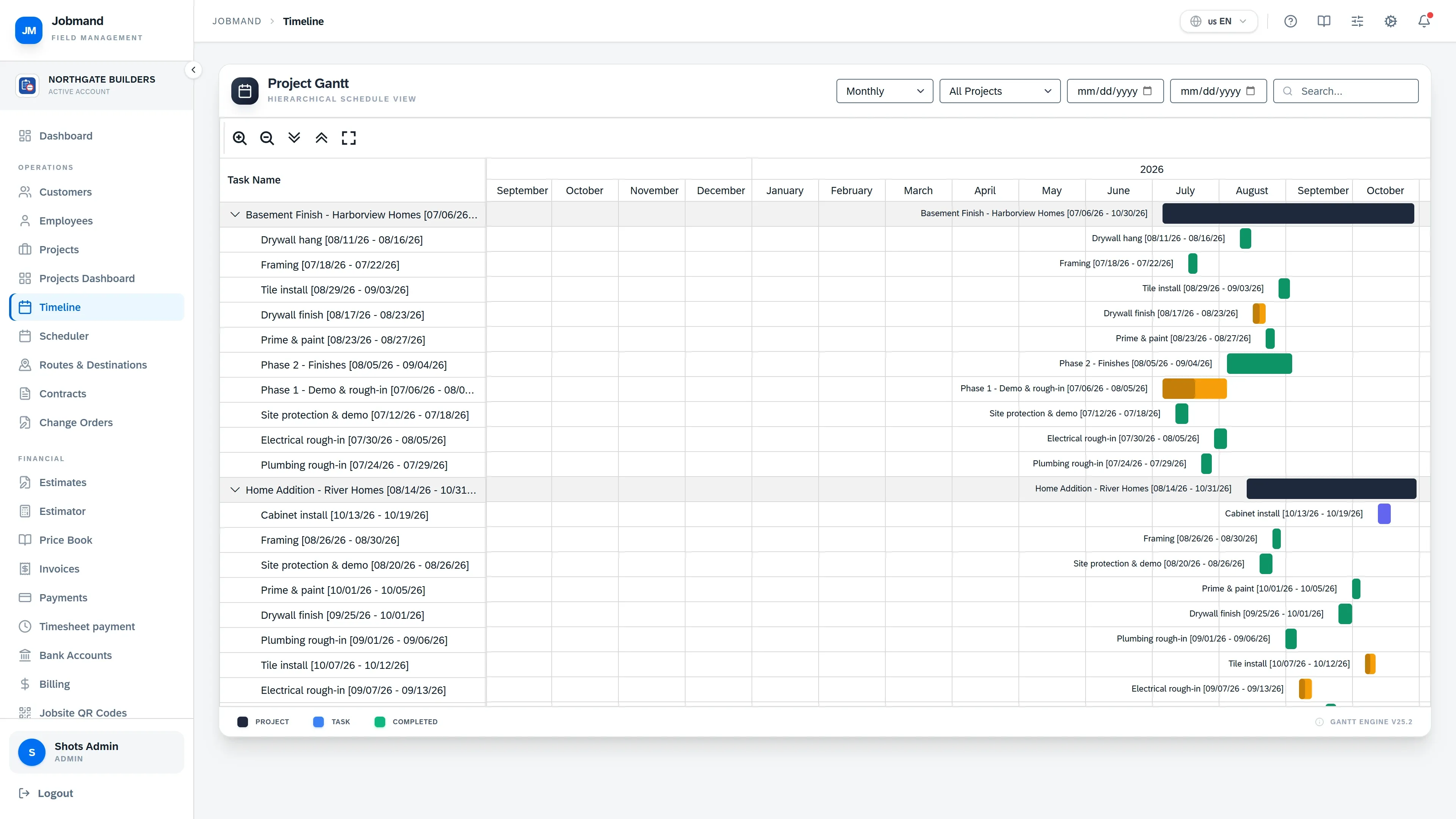
The long view
The Timeline lays projects and their tasks out as a Gantt chart, so you can see what overlaps before you commit to a date.
- Projects and tasks on one chart
- To-Dos with assignee, priority and deadline
- Messages with read receipts
Modules in this area: in every plan, in Pro, or as an add-on
- To-Dos Tasks per project and person, with photos and material expenses. Every plan
- Messages In-app messages with read receipts. Every plan
- Scheduler Drag-and-drop calendar with load per person. Every plan
- Routes & Destinations Multi-stop routes with dispatch and completion. Pro
See your jobs, crews and cash in one place.
Get started on Plus or Pro with a 30-day money-back guarantee, or book a demo first and we will walk you through it.