Construction & field-service management

Run every job from first call to final payment.

Jobmand puts estimates, contracts, projects, crews, hours and invoices in one system — so the office and the jobsite are always looking at the same numbers.

30-day money-back guarantee · Cancel anytime

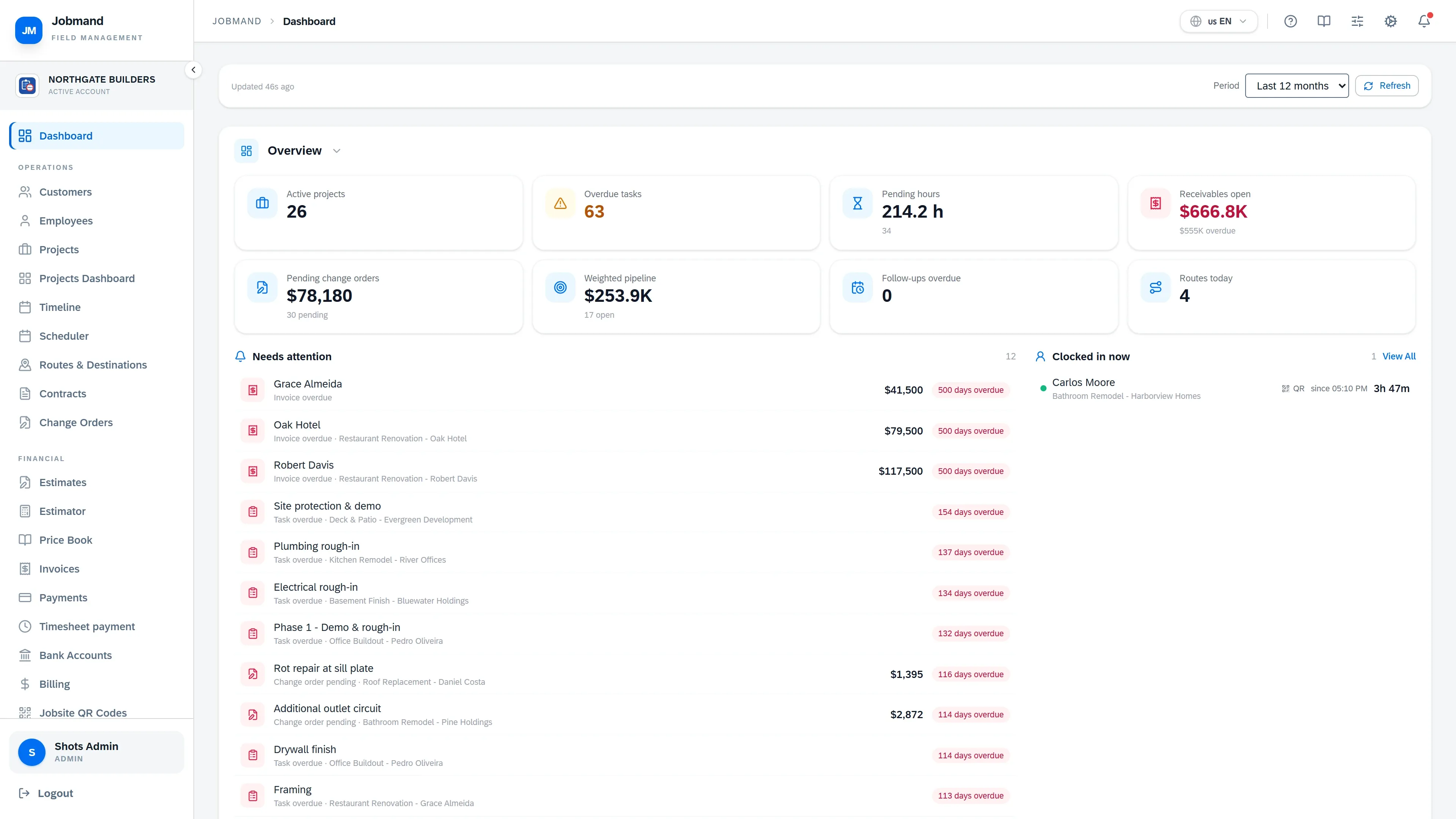
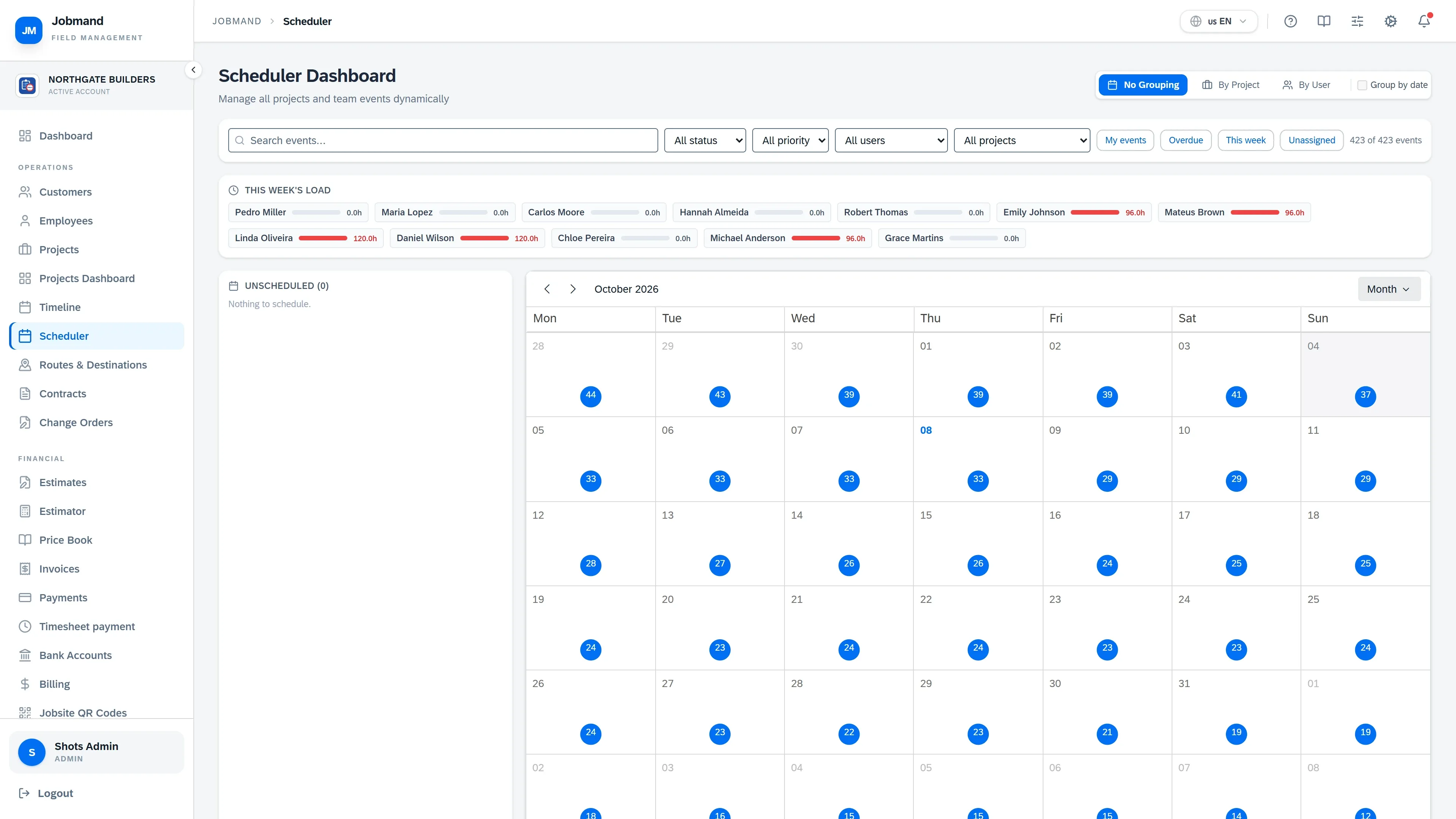
The Jobmand dashboard: open work, receivables, and what needs attention today.
Built for
  • General contractors
  • Remodelers
  • Cabinet & millwork shops
  • Specialty trades
  • Field-service crews
Product tour

One system for the whole job.

Every area shares the same customers, projects and people — nothing is typed twice.

Know where every job stands.

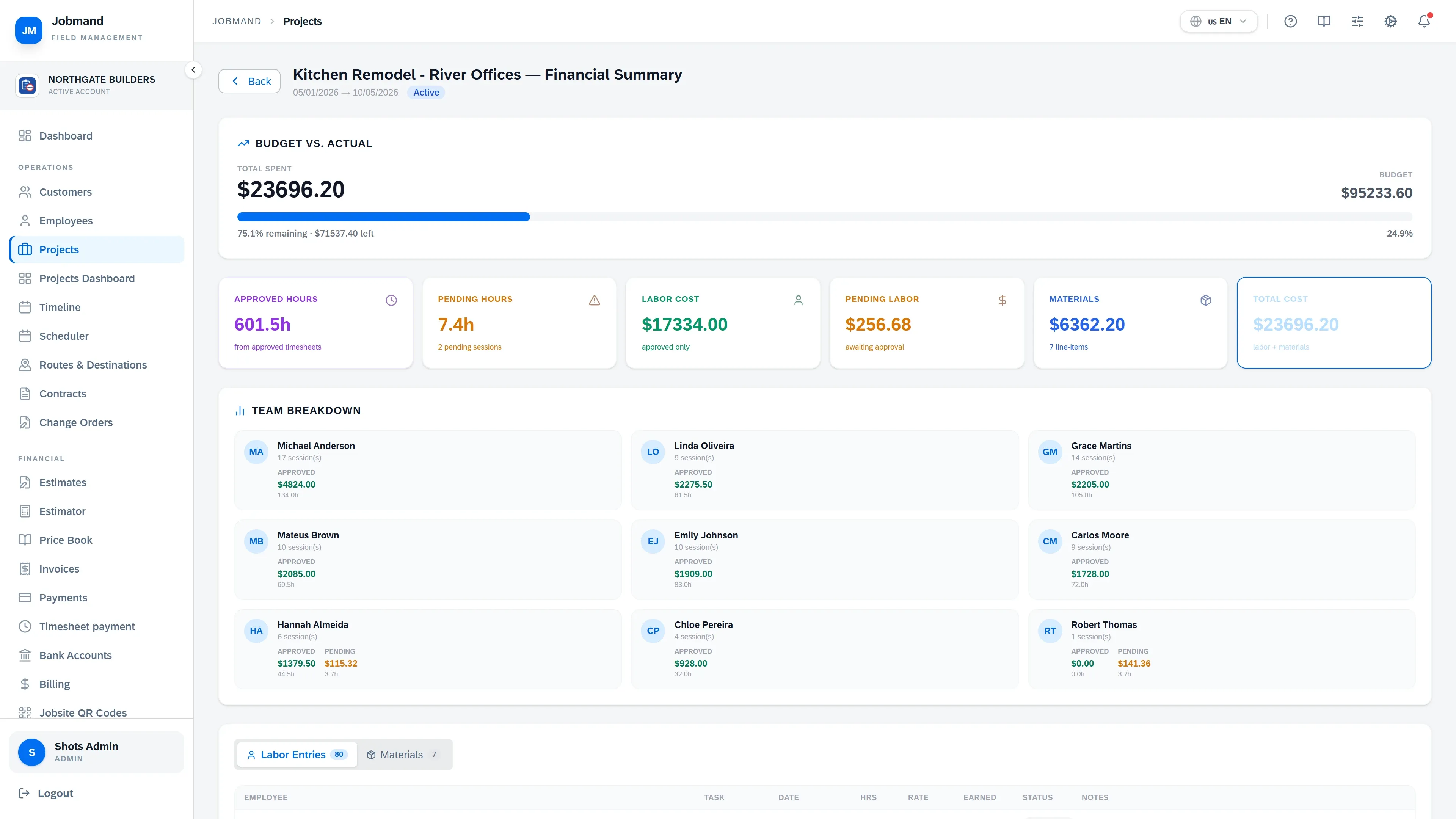
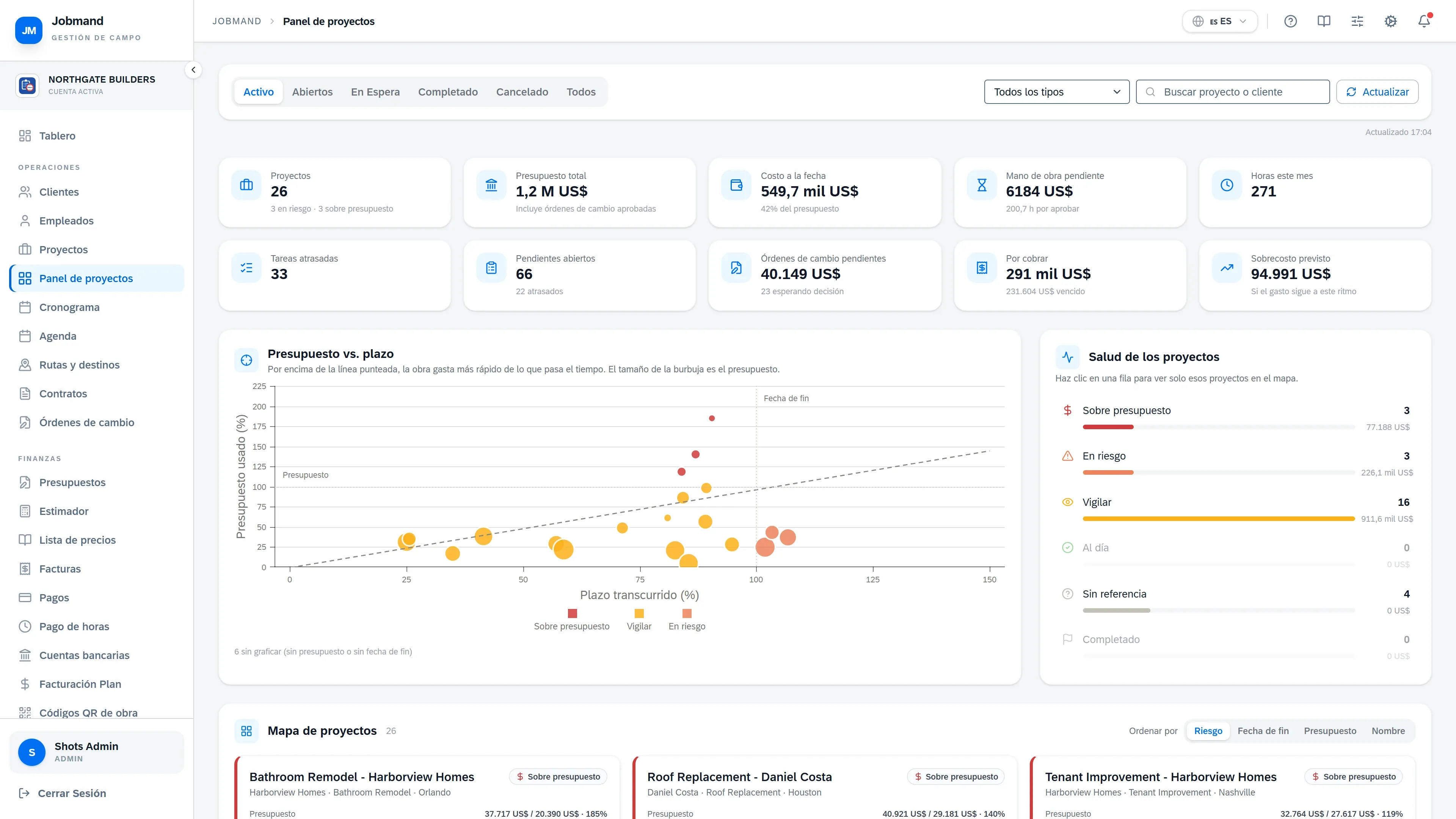
Budget against actual cost, tasks, files, photos and change orders live on the project — not in someone’s inbox.

  • Budget vs. actual from approved hours and materials
  • Change orders that update the contract value and the deadline
  • A Projects Dashboard that shows every job on one screen
Learn more
Project financial summary with budget, labor, materials and total cost.
One app, three languages

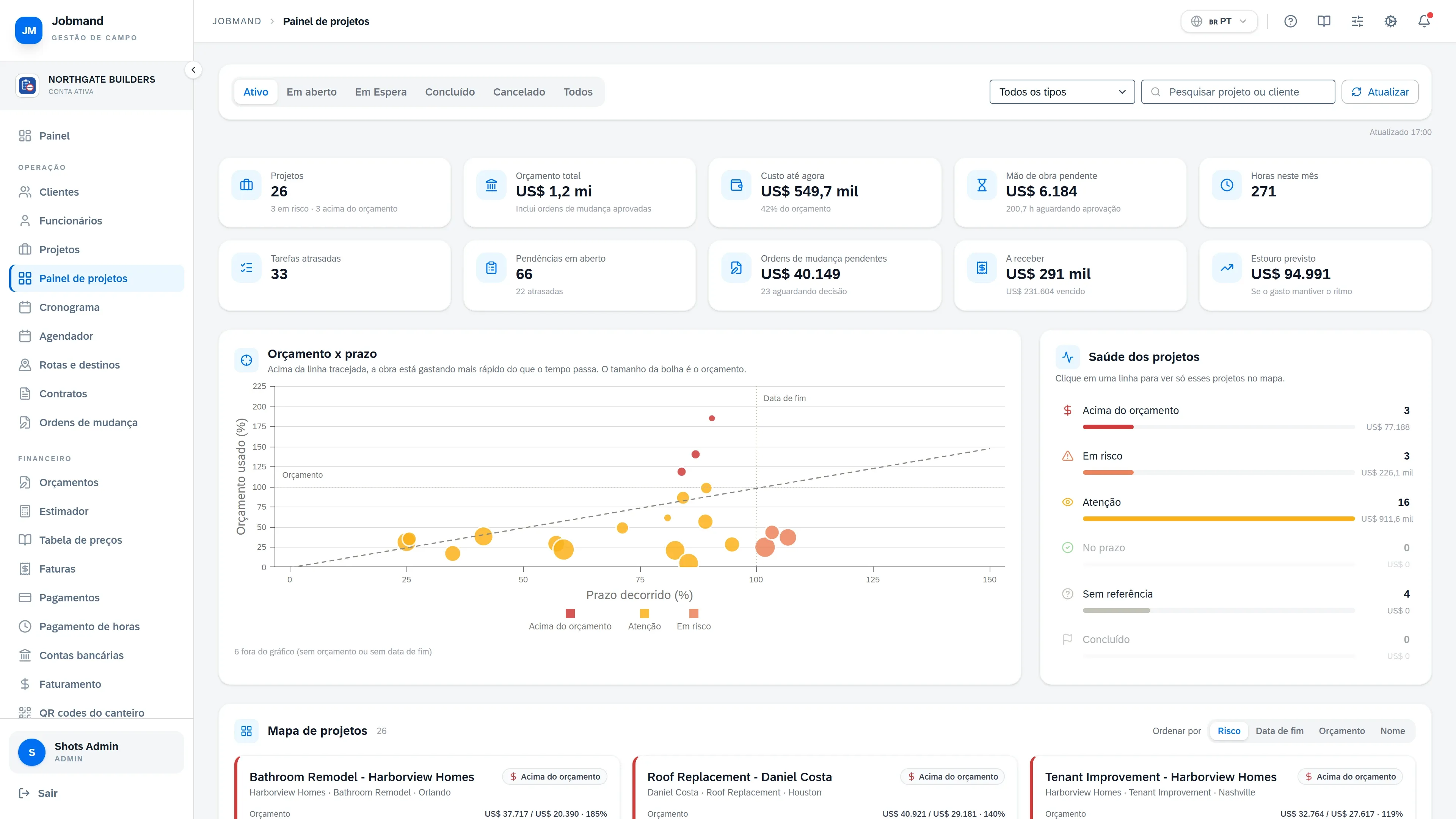
Your office in English. Your crew in Spanish or Portuguese.

  • Every screen, on the web and in the mobile app
  • Estimates, invoices and PDFs
  • Emails and notifications
  • The customer portal

Each person picks their own language.

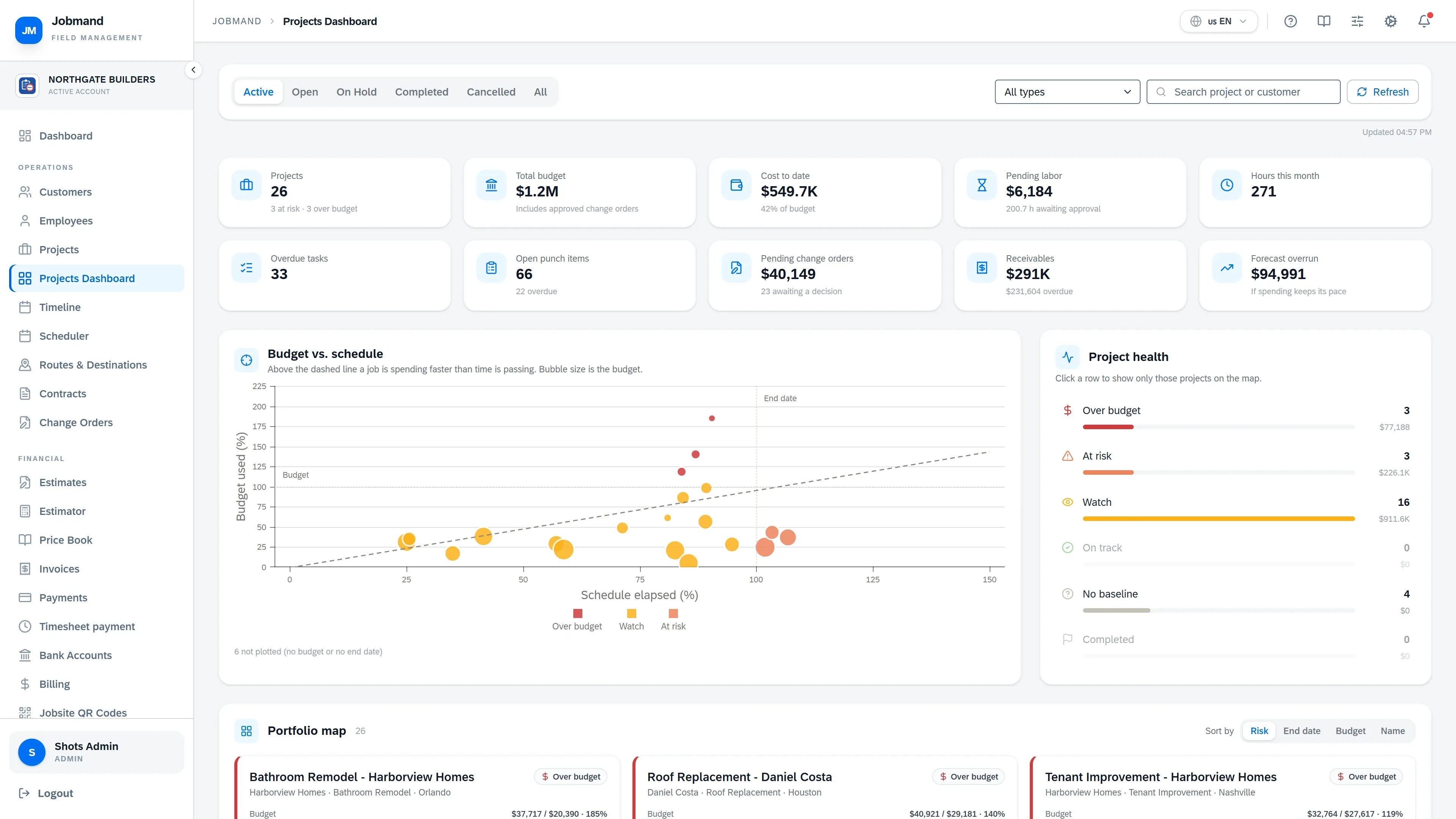
The Projects Dashboard in Jobmand, shown in English.
How work moves

From lead to paid, without retyping.

Each step creates the next one. The customer, the scope and the numbers carry forward.

  1. 01

    Lead

    Capture the inquiry and schedule the follow-up.

  2. 02

    Estimate

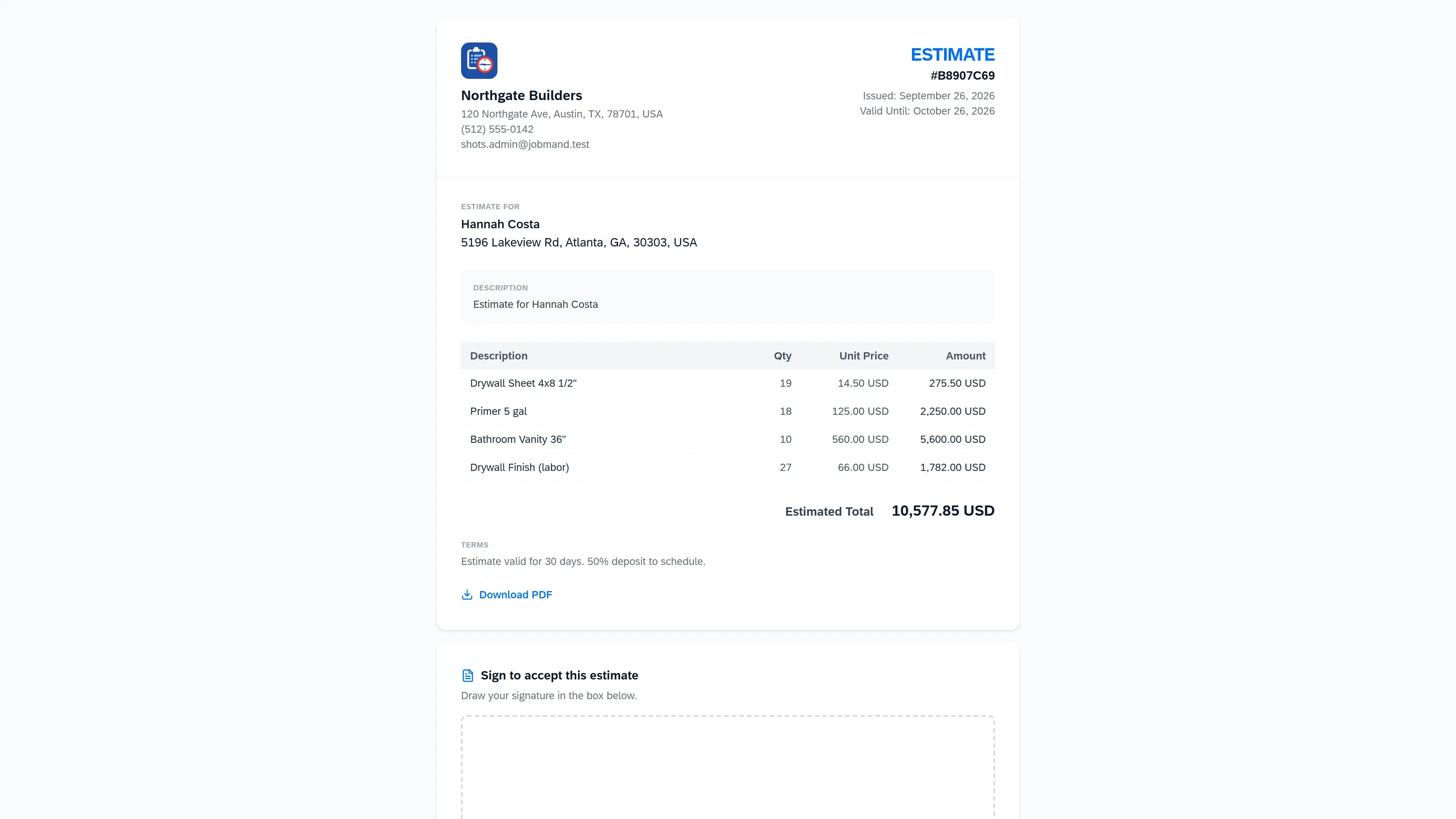
    Price the work from your catalog and send it for signature.

  3. 03

    Contract

    Generate it from a template. Both parties sign online.

  4. 04

    Project

    Tasks, crew, budget, files and change orders.

  5. 05

    Time

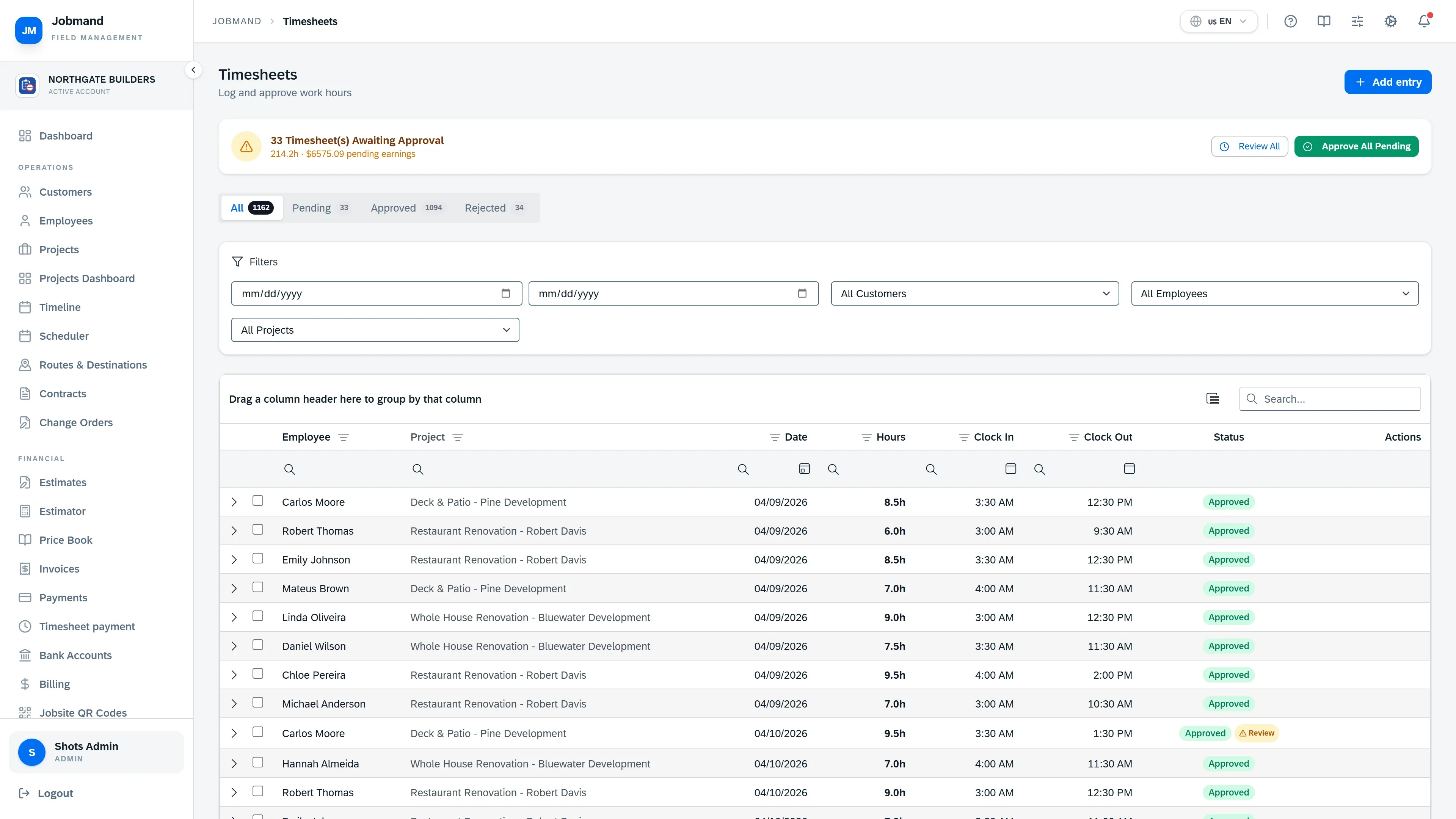
    Crews clock in at the jobsite; you approve the hours.

  6. 06

    Invoice

    Bill the contract, record payments, watch receivables.

Office and field

The crew app works where the signal doesn’t.

Employees see their tasks, routes and hours on their phone. Tasks and punches are saved on the device and sync when the connection comes back.

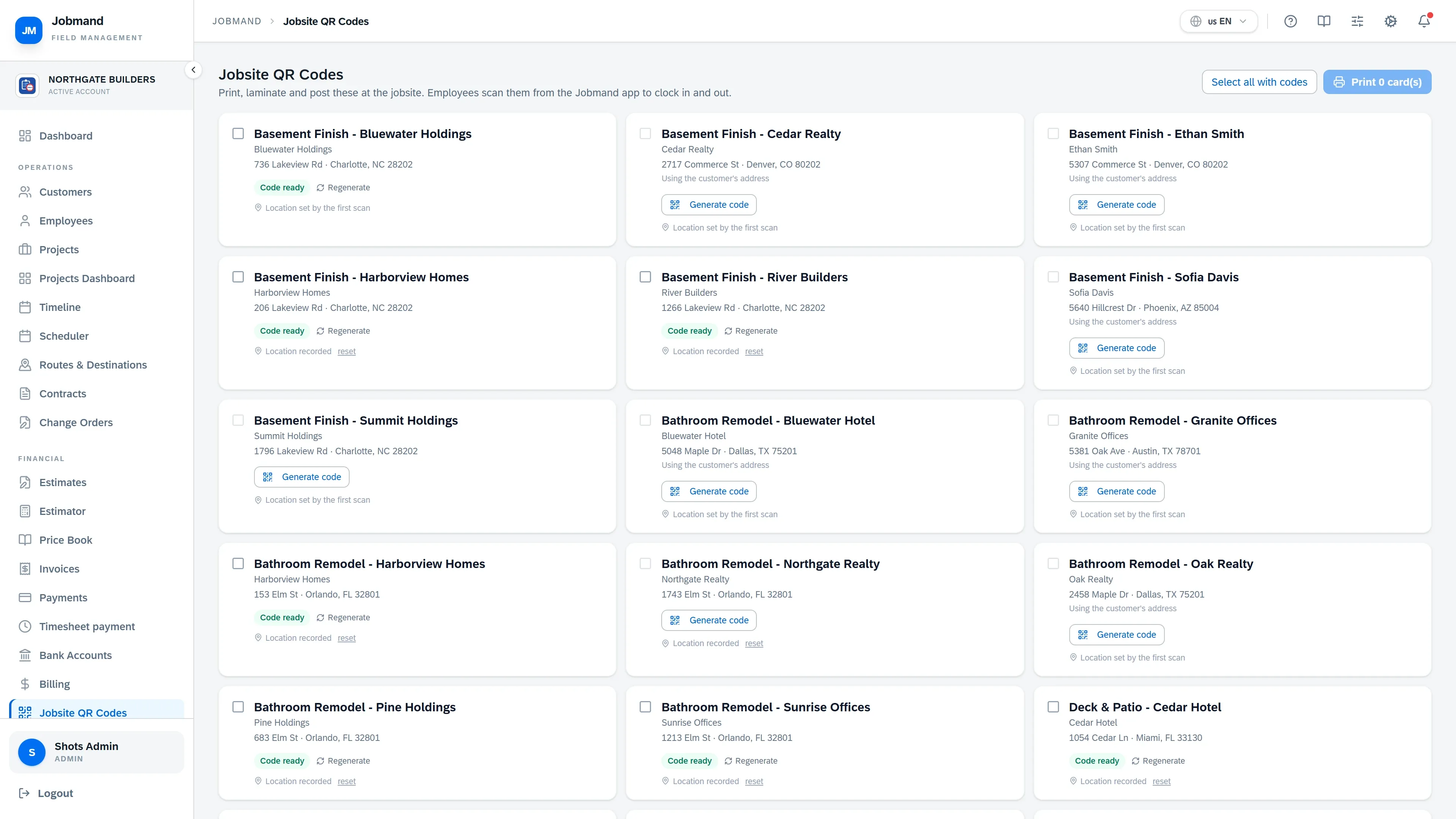
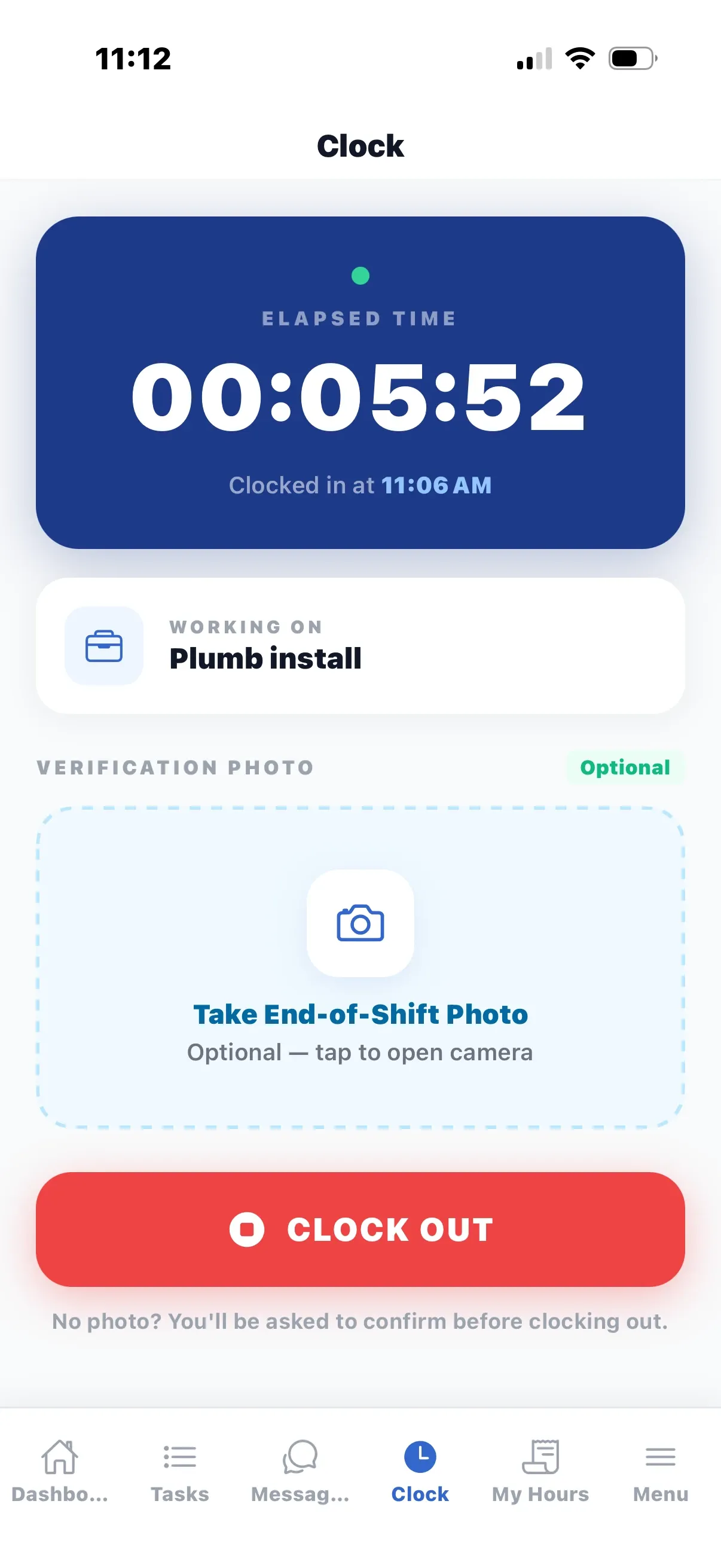
  • Scan the jobsite QR code to clock in and out
  • Task details, photos and material expenses from the jobsite
  • My Hours shows what was logged, approved and paid
Learn more
Jobsite QR Codes page with a printable poster for each jobsite.
The Clock screen in the Jobmand mobile app during an active session.
Mobile apps

Two apps. Android and iOS.

The crew app puts the day’s work in every employee’s pocket and keeps working without signal. The Customer Portal app gives your customers what you chose to share, and nothing else.

Works on Android and iOS

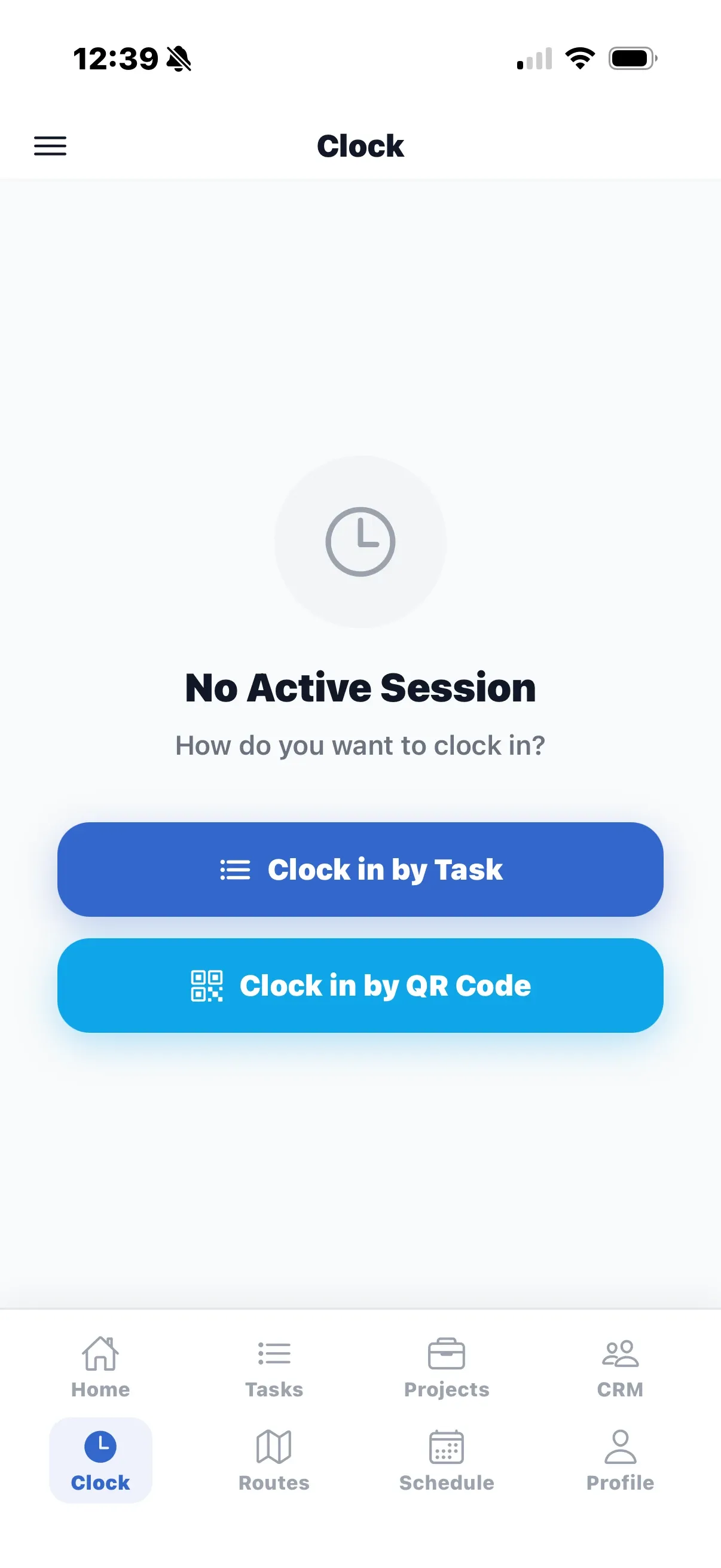
The Clock screen offering Clock in by Task and Clock in by QR Code.

Clock

Crew app

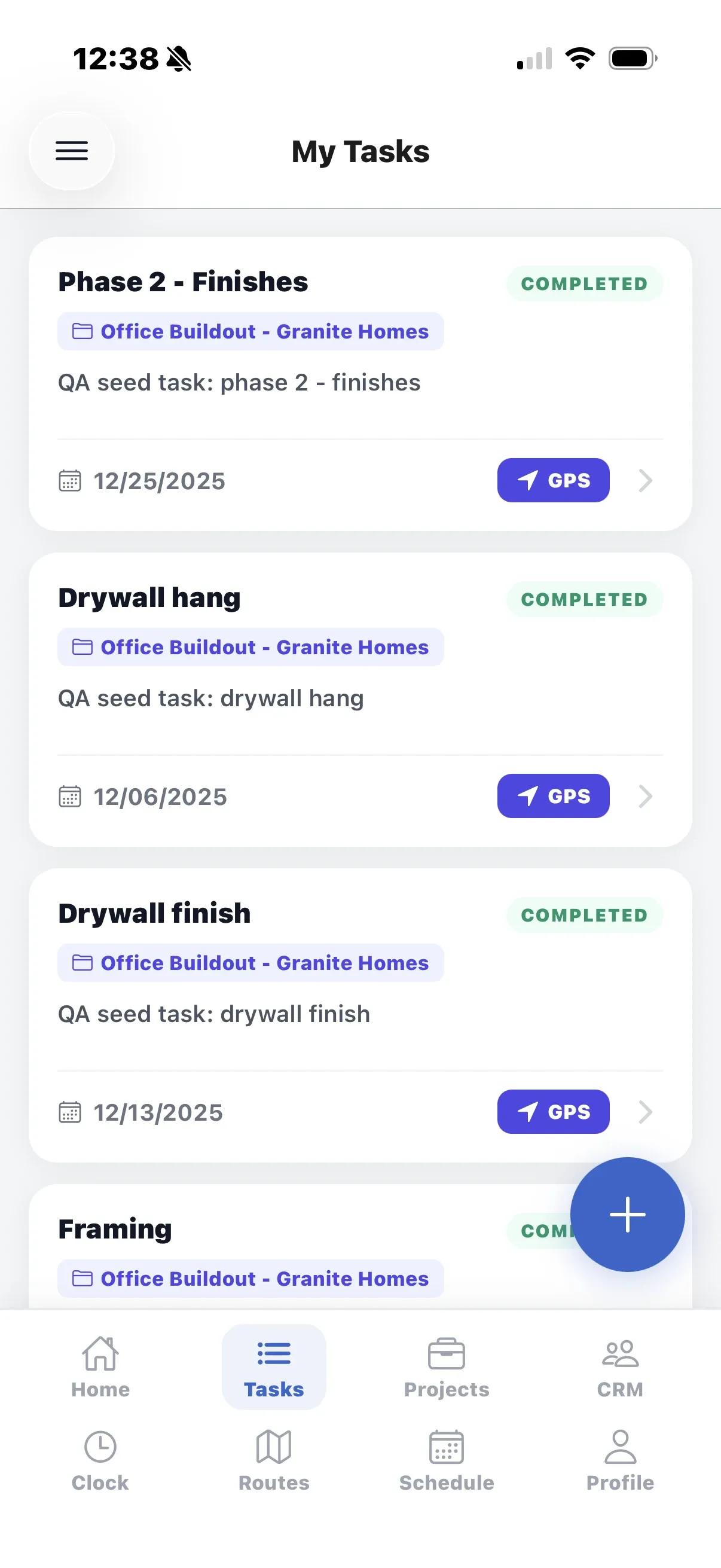
The My Tasks screen of the crew app: a list of tasks with project, deadline and a GPS button.

My Tasks

Crew app

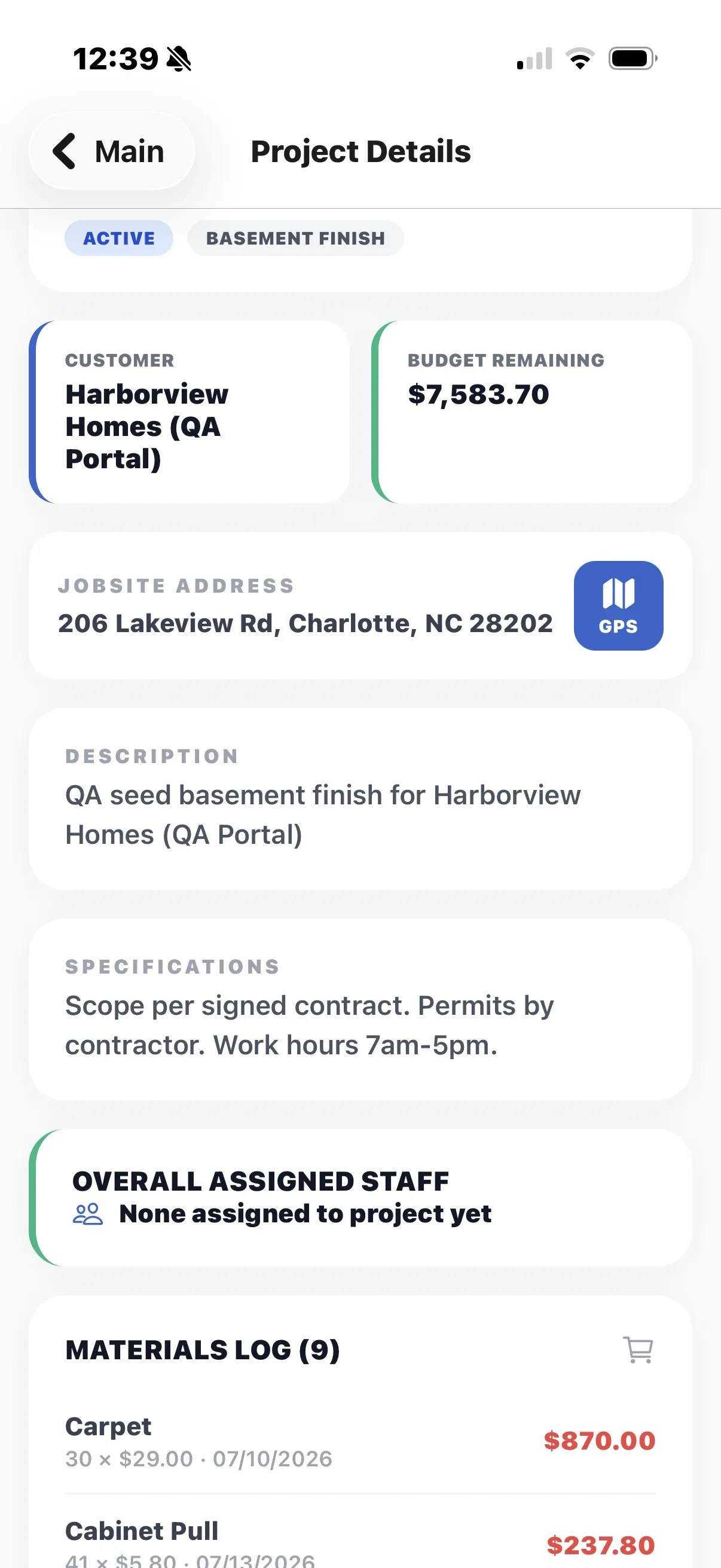
The Project Details screen with customer, budget remaining, jobsite address and the materials log.

Projects

Crew app

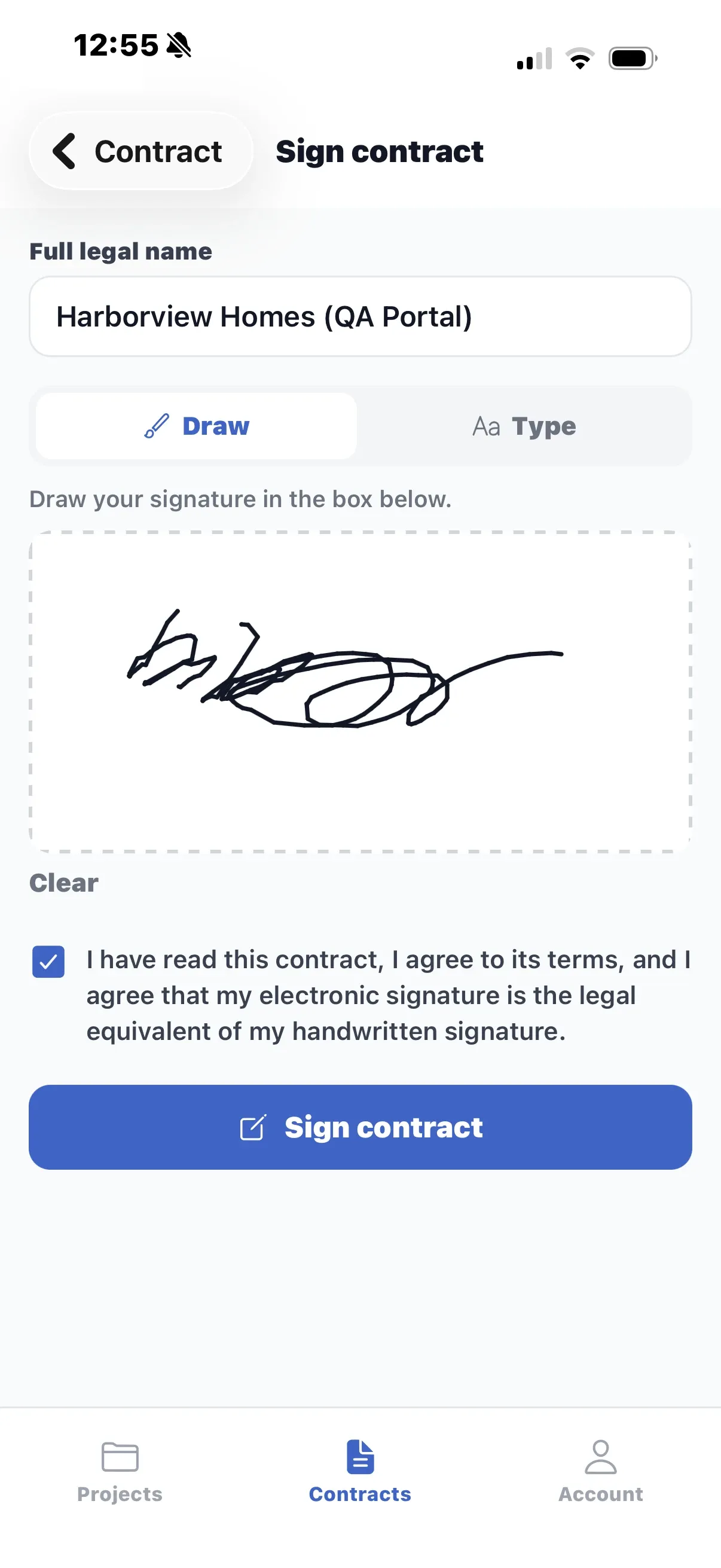
The Sign contract screen with a drawn signature, the consent checkbox and the Sign contract button.

Sign on the phone

Customer Portal app · Add-on

See everything both apps do

Customer Portal · Add-on

Fewer “how’s it going?” calls.

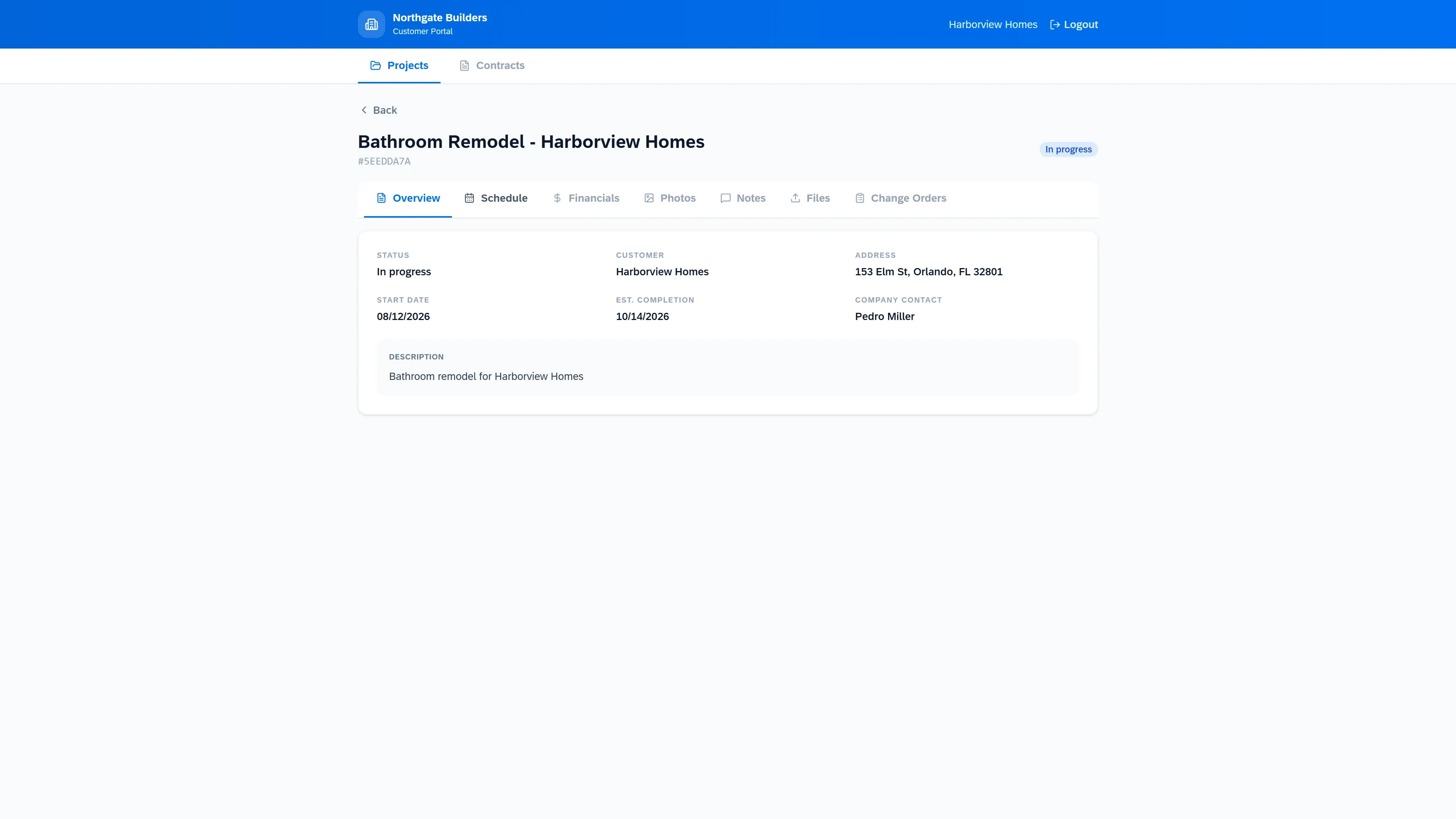
Share a project with your customer and choose what they see: schedule, photos, files, change orders to approve — and the financials, only if you switch them on. They never see your other customers, your crew’s rates or timesheets, or a project you haven’t shared.

  • Access by secure link or customer login
  • Change orders approved and contracts signed in the portal
  • Per-project control over what is shared
The customer portal showing a project overview with its tabs.
Platform

Built like business software.

Your company’s data, isolated

Every record belongs to one company and is scoped on the server on every request.

Roles and permissions

View, create, edit and delete rights per module, by group, with per-user overrides.

Works offline in the field

The crew app keeps tasks and punches on the phone and syncs in the background.

Print, PDF and CSV

Estimates, invoices, contracts and every report export cleanly with your letterhead.

Online signatures

Estimates and contracts are signed by link, with a signed PDF and a signing certificate.

Pricing

Priced per company, with users included.

Plus and Pro include your users; Enterprise is quoted. Add-ons are optional. Switch or cancel from inside the app.

Pro

For larger crews that run routes and stock.

$499 / month

Billed monthly

50 users included

Extra users $19 per user / month

Get started

Includes

  • Everything in Plus
  • Routes & Destinations
  • Stock
  • Change Orders

Enterprise

For larger teams with custom requirements.

Custom

Annual contract

Custom number of users

Contact sales

Includes

  • Everything in Pro
  • SSO / SAML
  • White-label
  • Dedicated customer success manager

Compare every feature

Common questions

More pricing questions

Is there a money-back guarantee?

Yes. Your card is charged when you sign up, and Plus and Pro come with a 30-day money-back guarantee: if Jobmand is not right for your company, write to support@jobmand.com within 30 days of signing up and we refund your payment. You can also book a demo before you buy.

What counts as a user?

Any account that can sign in to Jobmand — admins and employees. Your customers using the Customer Portal do not count. Plus includes 15 users and Pro includes 50; extra users are $19 per user per month ($15 on annual billing).

Can I switch plans later?

Yes, at any time, from My Company → Plans & Add-ons inside the app. An upgrade starts right away and you pay only the difference for the rest of the period. A downgrade takes effect at the end of the period you already paid for.

How does annual billing work?

You pay for the year up front at the lower monthly rate — 20% less than paying month by month.

See your jobs, crews and cash in one place.

Get started on Plus or Pro with a 30-day money-back guarantee, or book a demo first and we will walk you through it.